
SmartRecruiters is a cloud-based applicant tracking system and hiring platform designed to help teams manage the entire recruitment process in one place.
You can post jobs, attract candidates, screen applications, run interviews, and collaborate on hiring decisions across recruiters, hiring managers, and interviewers. It is built around a shared, team-based workflow, so feedback, approvals, and next steps are visible to everyone involved in the hire.
SmartRecruiters is great at helping teams attract, screen, and move candidates through a modern, collaborative hiring workflow. It brings speed, automation, and AI into the process. What it does not always show is how someone will actually experience and handle the day to day reality of the role once they start.
ThriveMap adds the human layer to that system. It gives candidates a clear, realistic picture of the job and then assesses how well they align with the real demands, priorities, and trade offs of the work. Candidates who realise the role is not right often step away early, and hiring teams get job relevant evidence they can use to have better interviews and make more confident decisions.
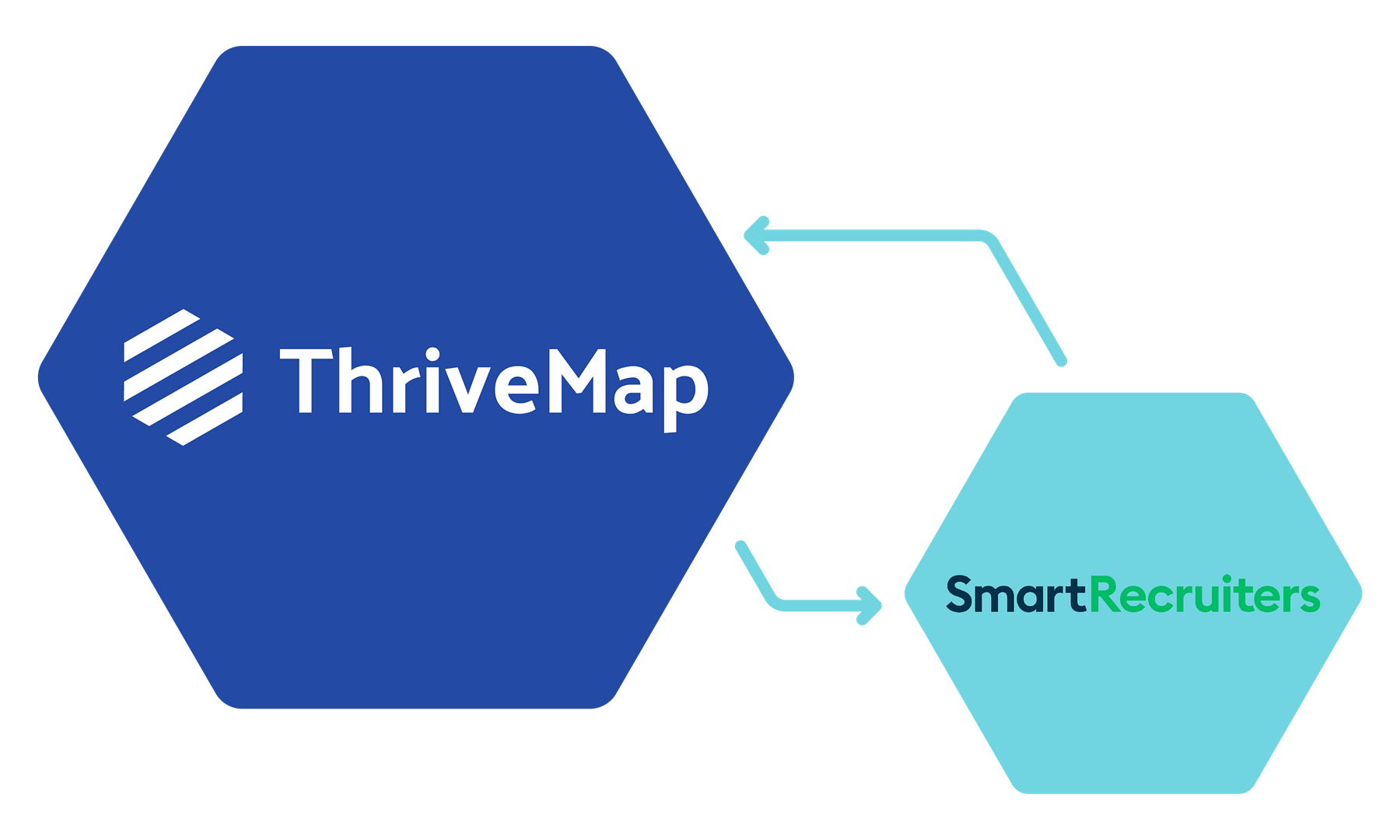
ThriveMap integrates directly into SmartRecruiters, so recruiters and hiring managers do not need another system to log into. The insight appears alongside the candidate profile, right where collaboration, approvals, and hiring decisions already happen.


You can introduce ThriveMap at any stage of your hiring process in SmartRecruiters, but most teams add it just after the initial application or first screen. That is the point where a candidate may look strong on paper, but you still do not know how they will handle the day to day reality of the role.
At that stage, candidates are invited to complete a ThriveMap assessment before moving on to interview or hiring team review. Recruiters and hiring managers continue working inside SmartRecruiters, but now they are making decisions with more than an application form. They have a clear view of how each person aligns with the real demands of the job, and practical, job relevant evidence they can use to shape interviews and make more confident hiring decisions.


When a candidate completes their ThriveMap assessment, their SmartRecruiters profile is updated with the information your hiring team needs to move forward.
You will see an overall score and fit band, along with a link to a short report that shows how the candidate handled job specific scenarios tied to the role. There is also clear evidence you can use in interviews and hiring team discussions, so you know what to explore and where someone is likely to perform well or need support.
You can also see at a glance whether a candidate has started, completed, or withdrawn from the assessment. Because this all lives inside SmartRecruiters, there is no extra system to log into. Shortlisting, approvals, and next steps can happen in the same place your team already collaborates on hiring.
SmartRecruiters hiring assessment setup
✔️ No changes to your core SmartRecruiters configuration
✔️ Fits into collaborative hiring workflows across teams and departments
✔️ Role specific assessments shaped around real job demands, not templates
✔️ Easy to update as roles and hiring criteria evolve
✔️ Fast, guided setup from ThriveMap’s team, not a long technical project
✔️ No changes to your core Harri configuration
✔️ Fits into high-volume, frontline hiring workflows
✔️ Role-specific assessments shaped around real job demands, not templates
✔️ Easy to update as roles and hiring criteria evolve
✔️ Fast, guided setup from ThriveMap’s team, not a long technical project

Get a demo to see how ThriveMap supports fair, consistent and defensible hiring decisions
